

Have you ever wondered how to train a cat in Minecraft? If you want a loyal feline friend by your side while you explore or build, knowing the right steps can make all the difference.
Training a cat isn’t just fun—it can also protect you from creepers and add a touch of charm to your game. In this guide, you’ll discover simple tips and tricks to tame and train your cat quickly. Ready to turn that wild kitty into your trusted companion?
Keep reading, and let’s get started!
Finding Cats In Minecraft
Finding cats in Minecraft is the first step to training them as loyal companions. Cats are not just cute pets; they can help keep creepers away and add charm to your in-game home. Knowing where to look can save you a lot of time and frustration.
Locating Villages And Ocelots
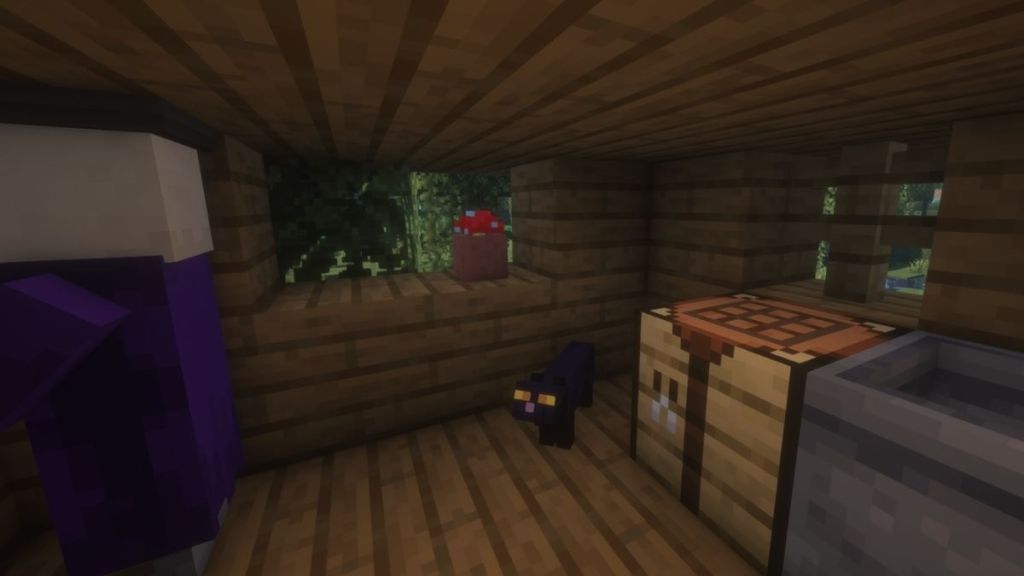
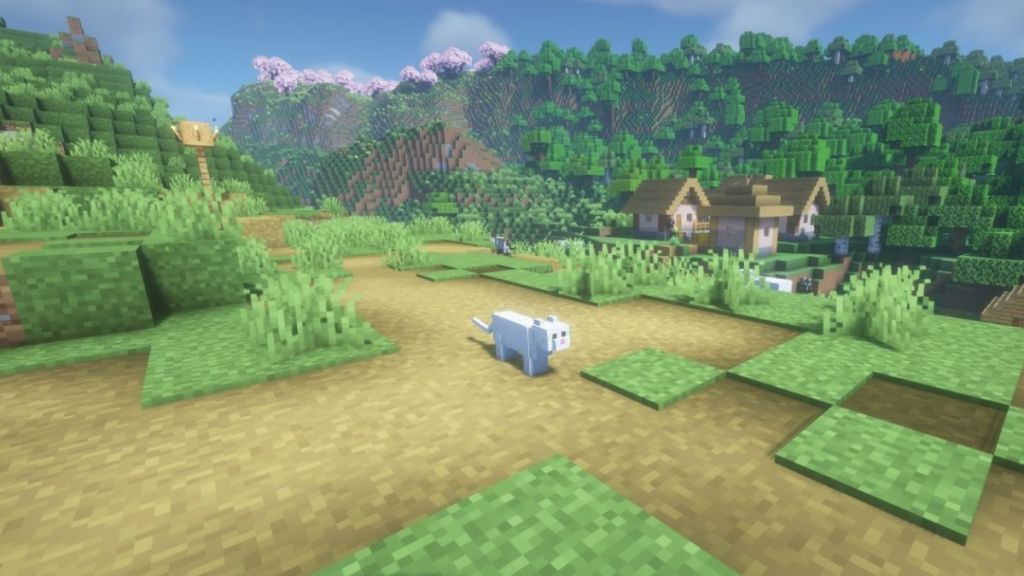
Villages are a great place to find cats wandering around. These cats often spawn near village houses, usually close to beds or farms. If you explore a village, keep an eye out for cats sitting or roaming near villagers.
Ocelots, on the other hand, live in the wild and are found in jungle biomes. Unlike village cats, ocelots are shy and will run away if you get too close. You’ll need patience and a gentle approach to gain their trust.
Have you noticed how cats in villages behave differently from ocelots? This difference affects how you approach and tame them.
Best Biomes To Search
The jungle biome is your best bet for finding ocelots. Dense trees and lush greenery make it their natural home. Spend time quietly moving through the jungle to spot these elusive creatures.
For village cats, look for plains, savanna, and snowy tundra biomes where villages commonly spawn. These cats are easier to approach since they’re used to villagers. You can also find them sitting on beds or patrolling near village farms.
- Jungle biome:Ocelots, shy and wild.
- Plains biome:Village cats, calm and approachable.
- Savanna biome:Another village cat hotspot.
- Snowy tundra:Village cats adapt well here.
Have you tried searching different biomes to see how cat behavior changes? Your experience in these areas can influence how easily you can train your new feline friend.
Taming Cats Effectively
Taming cats in Minecraft adds a fun companion to your adventures and helps keep creepers at bay. To tame cats effectively, you need patience, the right items, and a careful approach. Understanding the cat’s behavior and what earns their trust can make the process smooth and rewarding.
Using Raw Fish To Gain Trust
Raw fish, especially raw cod or raw salmon, is the key item cats respond to. They are naturally attracted to these foods, which makes raw fish the perfect way to get close to them.
Hold the raw fish in your hand and slowly approach the cat without making sudden movements. Cats in Minecraft are shy and will run away if you move too quickly. Patience is essential here—wait until the cat is calm and watching you before offering the fish.
Once you feed the cat raw fish, you will see hearts appear, which means you are gaining its trust. Feeding multiple pieces increases the chance of successfully taming the cat, but be mindful not to waste your fish.
Step-by-step Taming Process
- Find a stray cat near villages or in swamp huts.
- Equip raw fish in your hotbar and hold it out.
- Move slowly toward the cat, avoiding sudden jerks or sprinting.
- Wait for the cat to come close; it might sit or stand still.
- Right-click or tap on the cat to feed it the raw fish.
- Watch for the hearts—when they appear, the cat is tamed.
- Give it a name tag to personalize your new friend.
Have you noticed how some cats take longer to trust you? It’s not just the fish but your calm approach that matters. Taking time and staying patient can turn a cautious cat into a loyal companion faster than you might expect.
Training Behaviors
Training behaviors in Minecraft cats add fun and utility to the game. Cats can follow players, sit still, and even protect areas. Learning these behaviors helps players keep cats safe and useful. Understanding how to control your cat improves your gameplay experience.
Commanding Cats To Sit And Follow
Players can tell cats to sit or follow with simple commands. Right-click your tamed cat to toggle between sitting and following. A sitting cat stays in one place and does not move. A following cat walks close to the player. Use this to keep your cat nearby or leave it in a safe spot.
Keep in mind:
- Sitting cats do not attack or wander off.
- Following cats can get hurt by mobs or fall off edges.
- Make sure your cat has enough space to follow safely.
Using Cats For Creeper Deterrence
Cats scare away creepers in Minecraft. Creepers run from cats and keep a safe distance. Place a cat near your base or important areas to reduce creeper attacks. This helps protect your builds without constant fighting.
Tips for using cats as deterrents:
- Keep cats close to entrances and pathways.
- Use multiple cats for better coverage in large areas.
- Watch your cats, as they can still be harmed by other mobs.

Credit: beebom.com
Breeding Cats
Breeding cats in Minecraft adds fun and helps build a friendly environment. It lets you create more cats with unique looks. This guide explains how to breed cats and care for their kittens. Prepare to expand your virtual feline family.
Selecting Breeding Pairs
Choose two adult cats close to each other. Both cats must be tamed before breeding. You can tame cats by feeding them raw fish like cod or salmon. Cats show hearts above their heads when ready to breed.
Different cat breeds can mate and produce kittens. The kitten’s look depends on the parents’ appearances. Pick cats with traits you like for your new kittens. Keep cats near each other to make breeding easier.
Caring For Cat Kittens
Kittens appear after breeding, very small and cute. They follow the player that tamed the parents. Kittens grow into adult cats over time naturally. You can speed up growth by feeding them raw fish.
Protect kittens from mobs and hazards. Keep them in a safe place close to you. Kittens do not fight or defend yet, so they need care. Watch them grow and enjoy your new furry friends.
Customizing Your Cat
Customizing your cat in Minecraft lets you add a personal touch to your in-game companion. It’s not just about having a pet; it’s about making it uniquely yours. Small changes can make your cat stand out and feel like a true part of your Minecraft world.
Changing Cat Colors And Patterns
You can find cats in various colors and patterns naturally spawning in villages, but what if you want a specific look? While you can’t directly change a cat’s color once tamed, you can try to find and tame different types.
There are several cat variants, including:
- Tabby (orange striped)
- Black
- Red
- Siames
- British Shorthair (gray)
- Calico
- Persian
- Ragdoll
Each type has a distinct look. If you want a specific cat, explore villages or swamp huts to find the right variant. This means your cat’s appearance is tied to where you find it. Have you noticed how certain biomes have unique cats? That’s your chance to get a rare pattern.
Naming Your Cat With Name Tags
Giving your cat a name adds personality and helps you remember which one is which, especially if you have multiple cats. You’ll need a name tag, which you can find in dungeons, mineshafts, or through fishing.
Once you have a name tag, use an anvil to rename it. This process costs some experience levels, but it’s worth it for a personalized name. Then, simply right-click on your tamed cat with the named tag to apply it.
Think about names that fit your cat’s personality or appearance. A playful tabby might be “Whiskers,” while a sleek black cat could be “Shadow.” Naming your cat can make your adventures feel more connected and fun. What name will you choose that fits your Minecraft story?
Credit: beebom.com
Advanced Cat Training Tips
Advanced cat training in Minecraft helps you get more from your feline friends. Beyond simple taming, cats can assist in combat and exploration. They also need protection in dangerous zones. Training cats well makes your adventures safer and more fun.
Using Cats In Combat And Exploration
Cats scare off creepers, making them useful in fights. Keep a cat close to avoid surprise creeper explosions. Cats also alert you to nearby mobs with their movements.
During exploration, cats can find hidden areas. Their curious nature helps spot secret chests or paths. Take cats along when exploring caves or villages for added protection.
Keeping Cats Safe In Dangerous Areas
Dangerous places include lava, cliffs, and hostile mobs. Train cats to stay close and avoid risky spots. Build fences or walls to keep cats from falling or running into danger.
Use collars to spot your cats easily. Bright colors help you find them in dark or crowded areas. Bring food to heal cats after fights or accidents.
Credit: beebom.com
Frequently Asked Questions
How Do You Tame A Cat In Minecraft?
To tame a cat, find an ocelot in the jungle biome. Feed it raw fish like raw cod or raw salmon until hearts appear. The ocelot then becomes your pet cat and follows you.
What Is The Easiest Way To Train Cats In Minecraft?
The easiest way is to feed your tamed cat raw fish. This makes it sit, follow, or teleport to you. Consistent feeding strengthens your bond and allows better control of the cat.
Can Cats In Minecraft Protect Players?
Yes, cats scare away creepers and phantoms. Keeping cats nearby helps protect your base from these mobs. They also alert you with their meowing sounds.
How Do You Make Cats Sit Or Follow You?
Right-click or tap the tamed cat to toggle between sitting and following modes. Sitting cats stay put, while following cats move with you.
Conclusion
Training a cat in Minecraft takes patience and simple steps. Feed your cat raw fish to gain its trust. Follow it around to build a strong bond. Tame cats help keep creepers away in your world. Enjoy having a loyal pet by your side.
Practice often, and soon your cat will obey commands. Playing with pets makes Minecraft even more fun. Keep trying, and your cat will become your best friend.
